.avif)

TL;DR: An email campaign calendar maps out what you send, when, and to whom across the year. Aim for two to four campaigns a week, keep hard-promo sends under a quarter of the total, and rotate education, social proof, and product emails. Plan around your biggest revenue dates months ahead, and send to engaged subscribers most of the time so you stay in the inbox.
An ecommerce email campaign calendar is a month-by-month plan of every marketing email your Shopify store sends, built so each message reaches the right segment at the right time without burning out your list. Most brands don't have one. They wake up on Monday, realize they should send something, and blast a discount to everyone. That works for a week or two. Then open rates slide, unsubscribes climb, and the emails start landing in spam.
A calendar fixes that. It turns email from a scramble into a system. You decide in advance what goes out, who receives it, and why. Across the Shopify stores we manage at CartStrings, the brands with a real calendar send less often than you'd think and make more from it.
This guide walks through how to build your own. You'll get send frequency numbers, the right mix of promo and value, the campaigns worth rotating, a full 12-month plan, and the segment rules that keep you out of the spam folder.
What's an email calendar?
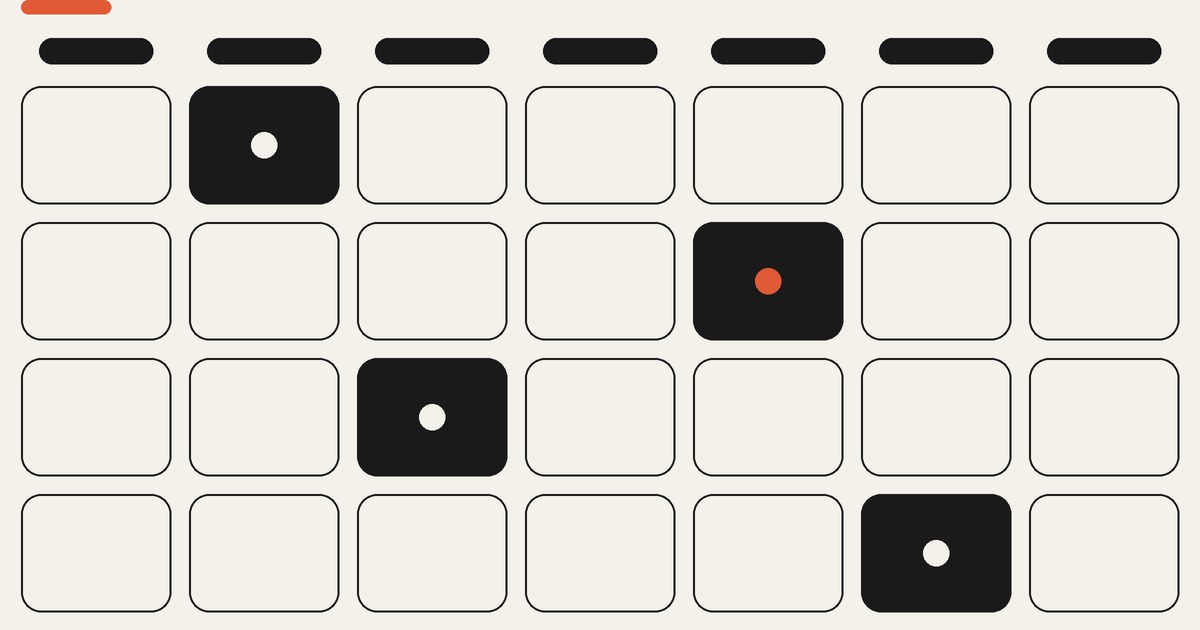
An email campaign calendar is a schedule of your one-off marketing sends, laid out by date. It lists the send date, the campaign name, the audience, the offer or theme, and the call to action. Think of it as the plan behind your promotions, newsletters, and launches, so nothing goes out at random.
Your calendar covers campaigns, not flows. Campaigns are the manual sends you schedule, like a product launch or a weekend sale. Flows are the automated emails that fire on their own, like a welcome series or an abandoned cart. Both matter, but only campaigns need a calendar. Your email automations run in the background no matter what you plan this week.
A good calendar has a column for each of these: date, campaign name, segment, goal, subject line idea, offer, and status. Add stock levels and shipping cutoff dates near the holidays so you never promote something you can't ship in time.
How often should you send?
Send two to four campaigns a week if your list can handle it. Klaviyo recommends working toward at least two segmented campaigns a week. Smaller lists under 20,000 profiles can start lower and build up. The goal is consistency, not volume. A store that sends twice a week every week beats one that sends ten times in December and goes quiet until March.
Frequency depends on your list health, not a magic number. If open rates hold above 30 percent and complaints stay low, you can push toward the higher end. If they slide, pull back. Klaviyo's 2026 benchmark data puts the average campaign open rate at 31 percent and the click rate at 1.69 percent, so treat those as your floor.
More sends only help if people still open them. That's why who you send to matters as much as how often, which we'll get to below.
Balance promos and value
Not every email should ask for the sale. If more than a quarter of your sends are hard discounts, you train people to wait for a coupon and you eat your own margin. The fix is a mix.
A simple ratio: for every promotional email, send two that give value. Value emails teach, entertain, or build trust. A how-to on using your product. A customer story with photos. A behind-the-scenes look at a new drop. These keep your list warm so your promo emails land with people who actually want to hear from you.
Promotional emails still do the heavy lifting on revenue. Limit them to one or two a week and tie each to a real reason, like a launch, a restock, or a genuine sale window. When every email is a sale, none of them feel special.
Which campaigns to rotate?
Rotate three types of campaign so your calendar never feels repetitive: education, social proof, and product. Lead the month with an educational send, layer in social proof mid-month, and close with a product or conversion push tied to what's happening seasonally.
Here's the rotation in practice:
- Education: Show people how to use, wear, or get more from what you sell. No discount needed.
- Social proof: Reviews, customer photos, and milestones like "5,000 sold this month." Trust sells.
- Product spotlight: Feature one hero product or collection and tie it to the season or a trend.
- Promotion: Your sale, launch, or restock. The clear ask.
- Win-back: A light re-engagement send to people slipping away.
You don't need a new idea every time. Build a small bank of these formats and cycle through them. It keeps planning fast and your list engaged.
Plan around key dates
Your biggest revenue days are on the calendar already. The job is to plan for them months ahead, not the week before. Black Friday lands on November 27 in 2026, with Cyber Monday on November 30 and Singles' Day on November 11. Those three weeks decide a huge share of the year for most stores. Start mapping your Black Friday plan in August.
Beyond the giants, build campaigns around the dates that fit your products. Here's a month-by-month starting point for a US Shopify store:
- January: New year reset. Clear holiday overstock and run "fresh start" education.
- February: Valentine's Day. Gift guides and last-chance shipping reminders.
- March: Spring refresh. New arrivals, plus St. Patrick's Day if it fits your brand.
- April: Easter and spring cleaning. Seasonal collections and an Earth Day angle for eco brands.
- May: Mother's Day and Memorial Day. Gifting and your summer kickoff sale.
- June: Father's Day and early summer. Bestseller roundups and user-generated content.
- July: Fourth of July and a mid-year clearance to move slow stock.
- August: Back-to-school and Q4 prep. Start your Black Friday plan and grow your list now while traffic is cheap.
- September: Labor Day, fall launches, and Hispanic Heritage Month.
- October: Halloween and early Black Friday teasers to your VIPs.
- November: Singles' Day, then Black Friday and Cyber Monday. Your biggest push, with VIP early access.
- December: Holiday gifting, shipping cutoffs, last-minute gift cards, and a year-end thank-you.
Not every date fits every brand. A supplement company skips St. Patrick's Day. A barware brand leans into it. Pick the moments that match what you sell and ignore the rest.
Who gets each send?
Send to your engaged subscribers most of the time. These are people who opened or clicked in the last 30, 60, or 90 days. Mailing them keeps your open rates high and your sender reputation strong, which is what gets you into the inbox in the first place.
Build engagement segments by window. If you send daily, use a 30-day engaged segment. If you send weekly or monthly, stretch it to 60 or 90 days. Send your regular calendar to that group. Open your full list only for the biggest moments, and only after you've cleaned it.
Two weeks before a major revenue window like Black Friday, stop mailing unengaged subscribers entirely. Run a re-engagement send, then suppress anyone who doesn't respond. Hitting a cold list right before the biggest sale of the year is the fastest way to land in spam when it matters most. After about nine months of no engagement, move people to a sunset flow and let them go. A smaller engaged list beats a big dead one. If your open rates are already sliding, a Klaviyo audit usually finds the problem in your segments first.
Remember your flows are already touching people. Someone who just got a welcome series or an abandoned-cart email doesn't need three campaign blasts piled on top in the same week. Coordinate the two so you show up as present, not annoying. Protecting your deliverability comes down to this discipline more than any technical setup.
Build your email calendar
Start simple. Open a spreadsheet or use Klaviyo's calendar view and block out the next 30 days first. For each send, fill in the date, the segment, the campaign type, a subject line idea, and the offer. Do one month at a time so it stays realistic.
Then layer in the big dates from the list above so you're never caught planning Black Friday in November. Review your numbers every week. Watch open rate, click rate, unsubscribe rate, and revenue per send. When something works, note the format and run it again. When something flops, cut it. Your calendar should get sharper every month.
A/B test one thing at a time. Subject lines are the easiest place to start since they drive opens. Test send times too, because the best day for your list won't match a generic rule. Managing all of this is what our email campaign management handles for the brands we work with.
Turn calendar into revenue
An email campaign calendar isn't complicated. It's a plan that says what you send, when, and to whom. Aim for two to four sends a week, keep hard promos under a quarter of the mix, rotate education, social proof, and product, and map your biggest revenue dates months ahead. Most of all, send to people who want to hear from you, and coordinate your campaigns with the flows already running.
Do that consistently and email stops being a guessing game. It becomes the most predictable revenue channel you own. Across the stores we manage at CartStrings, email drives 32 percent of revenue on average, and it starts with a calendar like this one.
If you'd rather hand the whole thing off, book a call and we'll build and run it for you.
Frequently Asked Questions
How many emails to send?
Most ecommerce stores do well with two to four campaigns a week, or eight to sixteen a month. Start on the lower end if your list is small or your open rates are shaky, then build up as engagement holds. Consistency matters more than hitting a specific number.
What goes in the calendar?
Each send should have a date, a campaign name, the segment you're mailing, the goal, a subject line idea, the offer, and a status. For the holidays, add stock levels and shipping cutoff dates so you never promote something you can't deliver in time.
How far ahead to plan?
Plan routine sends about a month out and lock big revenue windows like Black Friday two to three months ahead. That lead time lets you build creative, warm your list, and set up VIP early access without rushing. A rough yearly outline plus a detailed 30-day view is the sweet spot.
Campaigns vs flows?
Campaigns are one-off sends you schedule yourself, like a sale or a launch. Flows are automated emails that trigger on a customer action, like a welcome series or an abandoned cart. Your calendar only plans campaigns, but you should coordinate the two so subscribers don't get buried in overlapping emails.
How to avoid the spam folder?
Send to engaged subscribers most of the time and clean your list before big pushes. Two weeks before Black Friday, stop mailing people who haven't opened in months, run a re-engagement send, and suppress the rest. Keeping complaints low and engagement high is what keeps you landing in the inbox.