.avif)
Shopify Email Deliverability Best Practices: How to Stay Out of Spam in Klaviyo

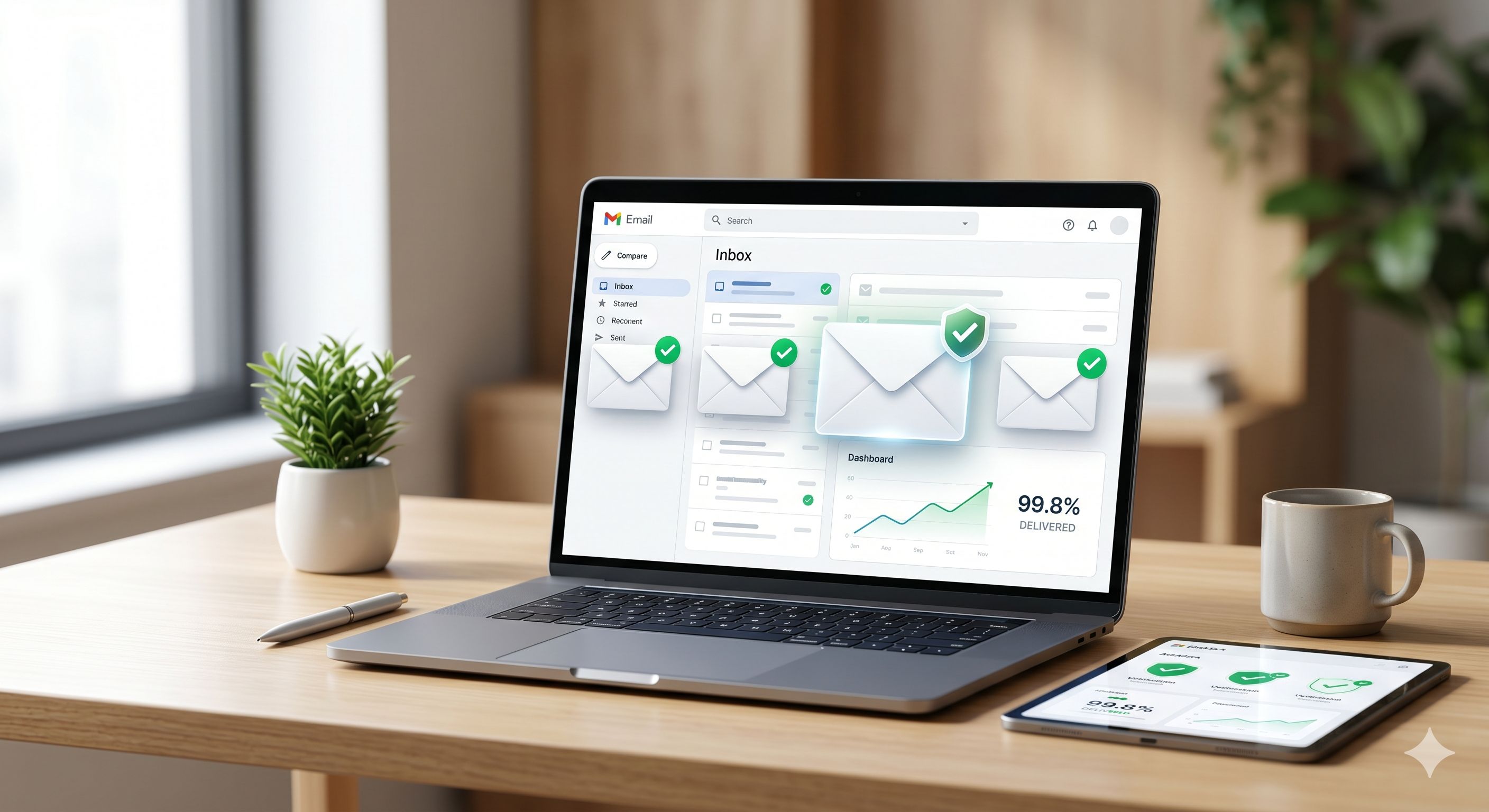
TL;DR: Email deliverability determines whether your Klaviyo emails land in inboxes or spam folders. The core practices for Shopify stores: authenticate your sending domain with SPF, DKIM, and DMARC; send only to engaged subscribers; clean unengaged contacts every 90 days; warm up new sending domains gradually; and monitor your spam rate with Google Postmaster Tools. Fix these five things and your inbox placement will improve significantly.
About 36% of marketing emails go to spam folders worldwide. For Shopify stores sending high-volume campaigns in Klaviyo, that number can be even higher if you're not actively managing your sender reputation.
Email deliverability isn't just a technical issue. It's a revenue issue. If your messages aren't reaching inboxes, your open rates drop, your flows underperform, and your email-attributed revenue takes a hit.
The good news: most deliverability problems are fixable. Here's exactly what to focus on.
What Does Email Deliverability Mean for a Shopify Store?
Email deliverability is the percentage of your sent emails that successfully reach the recipient's inbox — not spam, not promotions, not blocked entirely. For Shopify stores, a good deliverability rate is 95% or higher, with inbox placement above 80%. Anything below that is costing you revenue on every send.
There's an important distinction between delivery and deliverability. Delivery means the email was accepted by the receiving server. Deliverability means it landed in the inbox rather than the spam or promotions folder. Many Klaviyo accounts show high delivery rates while their actual inbox placement is far lower.
Inbox providers like Gmail and Outlook decide where your email goes based on your sender reputation — a score built from authentication signals, engagement history, spam complaints, and bounce rates. The moment you start sending to unengaged subscribers or skip authentication, your reputation starts to erode. It compounds in both directions: good habits build a strong reputation, and bad habits destroy it fast.
Does Setting Up SPF, DKIM, and DMARC in Klaviyo Actually Matter?
Yes — and it's now mandatory. Since early 2024, both Gmail and Yahoo require all bulk email senders to have SPF, DKIM, and DMARC records in place. Klaviyo enforces this for all accounts. Skipping authentication means your emails will fail verification checks, and inbox providers will spam-filter or block your messages entirely.
Here's how to set this up in Klaviyo. Go to Settings > Email > Domains in your account. Add your branded sending domain — something like mail.yourbrand.com rather than an address ending in shopifyemail.com. Klaviyo will generate 3-5 DNS records (SPF, DKIM, DMARC) that you copy and paste into your domain registrar (GoDaddy, Google Domains, Namecheap, etc.). DNS changes take 24-48 hours to propagate.
A branded sending domain signals to inbox providers that your emails are legitimate and you own your identity. Sending from a generic Klaviyo subdomain weakens your reputation by default.
If you currently have no DMARC policy, start with p=none to collect data without blocking any mail. Then tighten it to p=quarantine or p=reject as your confidence builds. A free Klaviyo audit can identify whether your authentication is properly configured — it's one of the most common oversights we find in new accounts.
Build a Klaviyo Engaged Segment Before Every Campaign Send
An engaged segment filters your list to contacts who have actually opened or clicked your emails recently. Sending to this group instead of your full list is the single most impactful change most Shopify stores can make for deliverability.
Here's the Klaviyo-recommended segmentation structure for email campaigns:
- Daily senders: Opened or clicked in the last 30 days
- Weekly senders: Opened or clicked in the last 60 days
- Monthly senders: Opened or clicked in the last 90 days
For most Shopify stores sending 2-4 campaigns per week, the 90-day engaged window is the right default. Build this segment in Klaviyo under Lists & Segments > Create Segment and use it as your primary campaign audience.
Why does this improve deliverability? When you send to people who engage, Gmail and Outlook learn that your emails are welcome. Your open rate climbs, your spam complaint rate drops, and your sender score improves. It's a compounding effect that builds over weeks and months. This is why batch-and-blast email marketing kills deliverability for Shopify stores that rely on it.
How Do You Clean an Email List in Klaviyo?
List cleaning in Klaviyo means identifying and suppressing contacts who have never engaged with your emails. Build a "Never Engaged" segment — anyone subscribed for 90+ days who has never opened or clicked — send them one final re-engagement email, then suppress everyone who still doesn't respond. Remove this segment from all future campaign sends.
To build the Never Engaged segment in Klaviyo, set these conditions in your segment builder:
- Subscribed at least 90 days ago
- Has never opened an email from you
- Has never clicked an email from you
Before suppressing, run a sunset flow: a 2-3 email re-engagement sequence with a low-friction subject line like "Should we stay in touch?" Give them a clear reason to re-engage. If they still don't open or click, suppress them. Klaviyo's list cleaning documentation recommends repeating this process every 90-180 days.
Hard bounces compound this problem. An average ecommerce bounce rate sits around 0.31% — if yours is higher, you're sending to too many invalid addresses. Klaviyo suppresses hard bounces automatically, but you should also manually review contacts with 3+ soft bounces.
This email deliverability work is unglamorous but essential. A clean list of 10,000 engaged subscribers outperforms a bloated list of 50,000 dead contacts every time — both in revenue and in inbox placement.
How to Warm Up a New Sending Domain the Right Way
If you're migrating to a new Klaviyo account, launching a new Shopify store, or adding a new sending subdomain, you can't blast your full list on day one. A domain with no sending history has no sender reputation. Inbox providers will immediately suspect spam-like behavior if they see sudden high-volume sends from an unknown domain.
Here's the warm-up schedule that protects your domain:
- Week 1: Send to your most engaged segment only (opened in last 30 days). Cap daily volume at 500-1,000 emails.
- Week 2: Double volume and expand to 60-day engaged contacts.
- Week 3: Expand to 90-day engaged and continue scaling volume daily.
- Weeks 4+: Gradually include less-engaged segments as your domain reputation builds.
During warm-up, your email automation flows also contribute engagement signals. Welcome series, abandoned cart, and post-purchase flows all fire during this period. Set your flows to target active subscribers during warm-up rather than all subscribers, so every automated email adds to your positive reputation signals rather than diluting them.
Monitor your open rates closely during warm-up. If open rates are above 30% and spam complaints stay below 0.10%, you're on track.
What Spam Rate Should Shopify Stores Aim for in Klaviyo?
Keep your spam complaint rate below 0.10%. Gmail and Yahoo set the hard threshold at 0.30%, but at that level you're already damaging your sender reputation. The safest target is 0.08% or lower. Even a brief spike above 0.10% can trigger inbox provider filters that persist for weeks after you've corrected the problem.
Klaviyo tracks spam complaints in its Deliverability Hub under Analytics > Deliverability. High spam rates usually trace back to one of three causes:
- Sending to disengaged or unrecognized contacts who forgot they subscribed
- Using misleading subject lines that don't match the email content
- Making it hard to unsubscribe (per Gmail's 2024 requirements, unsubscribe must be one-click and visible)
One quick win: audit your popup and capture flows. If your opt-in copy is vague about what subscribers will receive, they're more likely to mark your emails as spam when the content doesn't meet their expectations. Clear consent at sign-up is deliverability protection downstream. This is also tied to email segmentation strategy — the right message to the right person produces fewer spam complaints by design.
Use Google Postmaster Tools to Monitor Your Domain Reputation
Google Postmaster Tools is a free service that shows you how Gmail treats your domain. Given that Gmail handles roughly half of all global marketing emails, this is essential monitoring for any Shopify store on Klaviyo.
Here's how to set it up:
- Go to postmaster.google.com
- Add and verify your sending domain (the same domain you set up in Klaviyo)
- Wait 1-2 weeks of active sending for data to start appearing
Check these metrics weekly:
- Domain Reputation: Should be "High." Anything lower needs immediate attention.
- Spam Rate: Gmail's view of your spam complaint rate, which often differs from what Klaviyo reports directly.
- IP Reputation: Whether your shared or dedicated IP has built trust with Gmail over time.
If your domain reputation drops to "Low" or "Bad," stop sending to unengaged segments immediately. Focus every send on your most engaged 30-day window until the reputation recovers. This typically takes 3-6 weeks of disciplined, engagement-focused sending.
Google Postmaster Tools pairs directly with Klaviyo's built-in Deliverability Hub to give you a complete picture. Together, they tell you whether your problem is the domain, the IP, the list, or a combination — and that clarity is what makes it possible to fix things fast. Think about how often you send campaigns as well — over-sending is one of the fastest ways to accumulate spam complaints and tank your reputation.
Most Shopify email deliverability problems trace back to three root causes: no domain authentication, sending to unengaged contacts, and no monitoring in place. Fix authentication first — it's the technical foundation that everything else depends on. Then tighten your sending list to engaged subscribers and clean your list every 90 days.
Across the Shopify stores we manage at CartStrings, our average inbox delivery rate is 99.8%. It's not a secret formula. It's these practices, applied consistently. Good deliverability compounds: the cleaner your list and the more disciplined your sending, the better your reputation becomes over time.
If you want an expert eye on your Klaviyo account's deliverability setup, book a call and we'll walk through exactly what's holding your inbox placement back.
Frequently Asked Questions
What is a good email deliverability rate for a Shopify store?
A good email deliverability rate for a Shopify store is 95% or higher for successful delivery, with 80%+ inbox placement. Excellent performance means 95%+ delivered and 90%+ landing in the inbox rather than spam or promotions. If you're below 80% inbox placement, your email revenue is being directly impacted on every campaign and flow you send.
Why are my Shopify emails going to spam?
Shopify emails typically land in spam due to missing authentication records (SPF, DKIM, DMARC), a bloated list with unengaged contacts, high spam complaint rates, or sending from a domain with no established reputation. Start by verifying your DNS records in Klaviyo under Settings > Email > Domains, then build an engaged segment and switch to sending to engaged subscribers only for the next 4-6 weeks.
How do I set up SPF, DKIM, and DMARC for Klaviyo on my Shopify store?
In Klaviyo, go to Settings > Email > Domains and add your branded sending domain. Klaviyo generates the required SPF, DKIM, and DMARC DNS records, which you then add to your domain registrar (GoDaddy, Namecheap, Google Domains, etc.). DNS propagation takes 24-48 hours. Once verified, your emails pass authentication checks required by Gmail and Yahoo for all bulk senders.
How often should I clean my email list in Klaviyo?
Clean your Klaviyo email list every 90-180 days. This means building a Never Engaged segment (subscribed 90+ days, never opened or clicked), running them through a 2-3 email sunset re-engagement flow, and suppressing anyone who still doesn't respond. Regular list cleaning prevents unengaged contacts from eroding your sender reputation and keeps your spam complaint rate below the 0.10% target.
What is a never-engaged segment in Klaviyo and why does it matter?
A never-engaged segment in Klaviyo contains subscribers who have never opened or clicked any email since joining your list. These contacts are the biggest threat to your sender reputation because inbox providers like Gmail score your domain based on engagement signals. Continuously sending to people who never engage tells Gmail your emails are unwanted — which causes more emails to land in spam, even for your engaged subscribers.
Explore other Latest Blogs & Insights


Let’s build email marketing that feels like it was done in-house.